
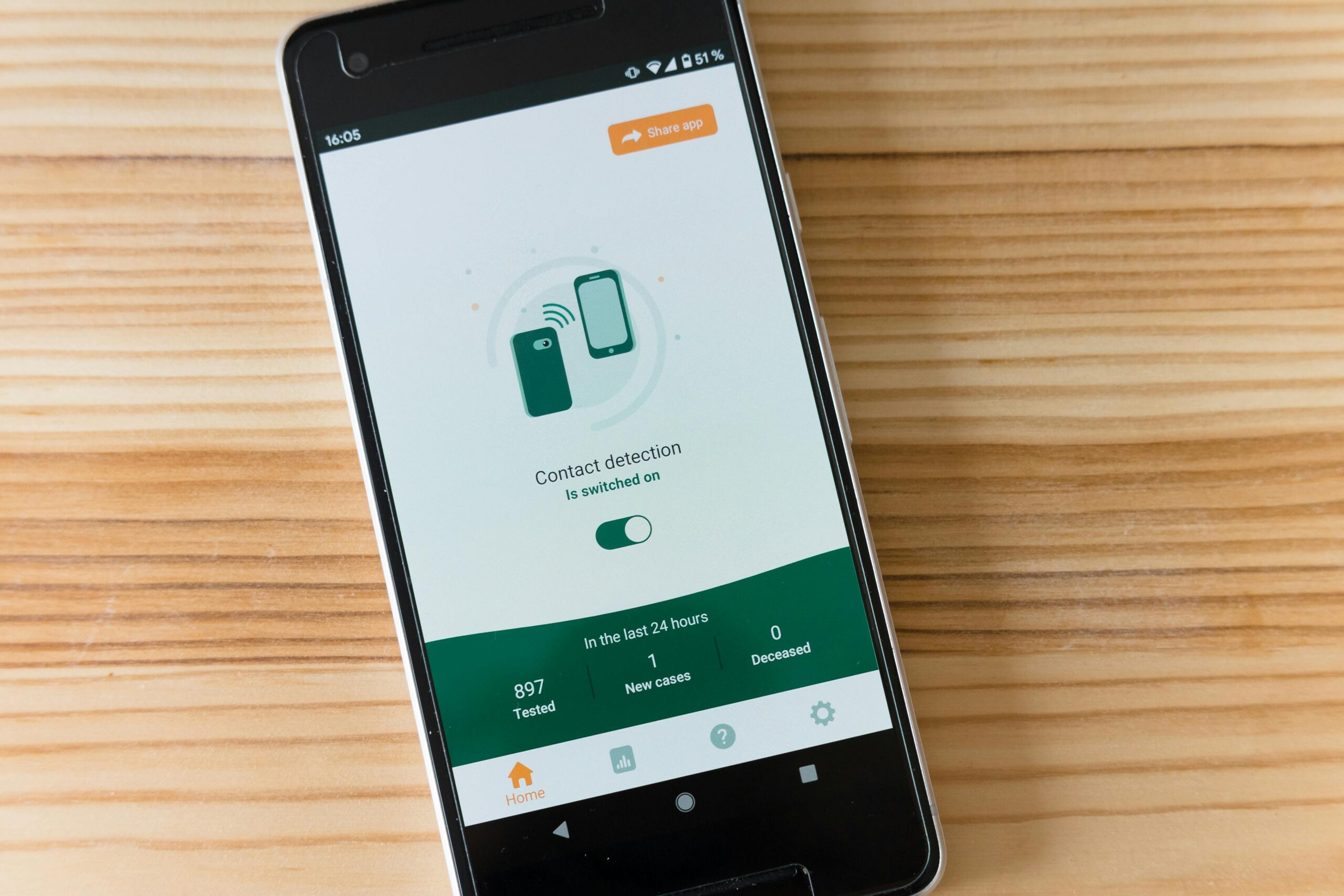
In today’s digital landscape, protecting your mobile device from malicious threats has become absolutely essential for maintaining your privacy and security.

Mobile devices have evolved from simple communication tools into powerful computers that store our most sensitive information. From banking details and personal photos to confidential work documents and private conversations, our smartphones contain a treasure trove of data that cybercriminals are eager to exploit.
This comprehensive guide explores everything you need to know about antivirus applications, helping you understand why they matter, what features to look for, and how to choose the best protection for your specific needs. 🛡️
Understanding the Modern Threat Landscape
The sophistication of mobile malware has increased exponentially over recent years. Cybercriminals continuously develop new methods to breach security systems, steal personal information, and compromise device functionality.


Mobile threats now include ransomware attacks that lock your files until payment is made, spyware that monitors your activities without consent, and phishing schemes designed to trick you into revealing sensitive credentials. The financial and personal costs of these attacks can be devastating.
Android devices, due to their open-source nature and larger market share, face particularly high risks. However, iOS devices aren’t immune either—jailbroken iPhones and sophisticated zero-day exploits can compromise even Apple’s robust security measures.
What Exactly Does an Antivirus App Do? 🔍
Modern antivirus applications for mobile devices perform multiple protective functions simultaneously. They scan downloaded files and applications for malicious code, monitor network connections for suspicious activity, and provide real-time protection against emerging threats.
These applications use sophisticated algorithms and constantly updated virus databases to identify known threats. Machine learning capabilities enable them to detect previously unknown malware by analyzing behavioral patterns and code structures.
Beyond basic malware detection, comprehensive antivirus solutions offer additional security layers including VPN services for encrypted browsing, password managers for secure credential storage, and anti-theft features that help locate or remotely wipe lost devices.
Essential Features Every Quality Antivirus Should Include
When evaluating antivirus applications, certain core features separate exceptional solutions from mediocre ones. Understanding these capabilities helps you make informed decisions about your mobile security.
Real-Time Scanning and Protection 🚨
Continuous monitoring represents the cornerstone of effective mobile security. Quality antivirus apps scan new downloads immediately, check app installations before they execute, and monitor system activities for suspicious behavior patterns.
This proactive approach prevents infections before they establish themselves, rather than simply removing threats after damage occurs. Real-time protection operates silently in the background without significantly impacting device performance.
Web Protection and Safe Browsing
Malicious websites represent a major infection vector. Premium antivirus applications include browser extensions or integrated browsers that check URLs against blacklists of known dangerous sites.
These features protect against phishing attempts, drive-by downloads, and compromised legitimate websites. They warn you before accessing potentially harmful pages and can block malicious scripts from executing.
App Privacy Advisor
Many applications request excessive permissions unrelated to their core functionality. Privacy advisors analyze installed apps and alert you when programs access sensitive data unnecessarily or share information with third parties.
This transparency empowers you to make informed decisions about which applications deserve trust and which should be removed or have permissions restricted.
Performance Considerations: Balancing Security and Speed ⚡
One common concern about antivirus applications involves their impact on device performance. Poorly optimized security software can drain batteries, slow system responsiveness, and consume excessive data.
Modern leading antivirus solutions have addressed these concerns through efficient coding and cloud-based processing. Heavy analysis tasks occur on remote servers rather than your device, minimizing local resource consumption.
Battery optimization features ensure security scans occur during idle periods or charging sessions. Intelligent scheduling prevents performance degradation during active device use while maintaining comprehensive protection.
Free vs. Premium Antivirus Solutions: What’s the Difference?
The antivirus market offers both free and paid options, each with distinct advantages and limitations. Understanding these differences helps align your choice with your security needs and budget.
Free antivirus applications typically provide basic malware scanning and detection. They protect against common threats and offer fundamental security features sufficient for casual users with minimal sensitive data.
Premium versions include advanced capabilities like VPN services, password managers, anti-theft tools, dedicated customer support, and ad-free experiences. These enhanced features justify their cost for professionals, businesses, or anyone handling sensitive information.
When Free Protection Suffices
If you primarily use your device for basic communication, social media, and entertainment, a reputable free antivirus may provide adequate protection. Practicing good digital hygiene—avoiding suspicious links, downloading apps only from official stores, and keeping systems updated—complements this basic protection effectively.
Situations Requiring Premium Protection 💎
Business users handling confidential information, individuals conducting financial transactions regularly, or anyone storing sensitive personal data should seriously consider premium solutions. The additional security layers and support services justify the investment.
Premium antivirus applications also typically offer multi-device licenses, protecting your smartphone, tablet, and computer under a single subscription, providing comprehensive security across your entire digital ecosystem.
Top Antivirus Applications Worth Considering
The mobile security market features numerous reputable options, each with unique strengths and specialized features. Here are some industry-leading solutions consistently praised for their effectiveness.
Avast Mobile Security
Avast combines powerful malware detection with user-friendly interfaces and extensive additional features. Its free version offers robust protection, while premium tiers include VPN services, advanced anti-theft capabilities, and priority support.
The application’s app lock feature adds another security layer, requiring authentication before accessing specific applications. This proves particularly valuable for protecting sensitive apps like banking or email clients.
Bitdefender Mobile Security
Bitdefender consistently receives top marks from independent testing laboratories for its exceptional detection rates and minimal system impact. Its autopilot feature makes security decisions automatically based on optimal practices.
Web protection blocks phishing attempts and malicious links, while the account privacy feature monitors your email addresses against known data breaches, alerting you when credentials may have been compromised.
Norton Mobile Security
Norton’s long-standing reputation in computer security translates well to mobile platforms. Its comprehensive scanning engine detects threats effectively while additional features like Wi-Fi security advisors warn about dangerous network connections.
The app advisor feature scans programs before installation, identifying privacy risks and adware. Norton also offers generous multi-device plans covering various platforms under single subscriptions.
Installation and Configuration Best Practices 🔧
Simply installing antivirus software isn’t enough—proper configuration maximizes protection effectiveness. Following these setup guidelines ensures optimal security from day one.
After installation, immediately run a full system scan to identify any existing threats. This initial scan may take longer than subsequent scans but establishes a clean baseline for your device.
Configure automatic update settings to ensure your virus definitions remain current. New threats emerge constantly, and outdated protection databases leave vulnerabilities that malware can exploit.
Enable real-time protection features and grant necessary permissions. While granting extensive permissions might seem counterintuitive, legitimate antivirus applications require system access to monitor activities and detect threats effectively.
Customizing Scan Schedules
Schedule regular full scans during periods when you typically don’t use your device, such as overnight while charging. This ensures thorough security checks without interrupting your daily activities.
Quick scans can run more frequently, checking recently modified files and high-risk areas without consuming significant time or resources. Daily quick scans combined with weekly full scans provide comprehensive ongoing protection.
Common Myths About Mobile Antivirus Software
Several misconceptions about mobile antivirus applications persist despite evidence to the contrary. Addressing these myths helps users make better-informed security decisions.
Myth: iOS Devices Don’t Need Antivirus Protection
While iOS includes robust built-in security measures, it’s not invulnerable. Phishing attacks, malicious profiles, and compromised apps occasionally bypass Apple’s review process. Security applications for iOS focus on web protection, VPN services, and breach monitoring—valuable layers beyond system security.
Myth: Antivirus Apps Severely Drain Battery Life 🔋
Early mobile security applications did impact battery life significantly, but modern solutions have become remarkably efficient. Leading antivirus apps use minimal background resources and employ smart scheduling to avoid battery drain.
Any battery impact is typically negligible compared to other common applications like social media platforms or streaming services. The security benefits far outweigh minor energy consumption.
Myth: Built-In Security Is Sufficient
Android and iOS include baseline security features, but they don’t match the comprehensive protection specialized antivirus applications provide. Third-party solutions offer enhanced malware detection, privacy tools, VPN services, and anti-theft capabilities that complement rather than duplicate system security.
Recognizing Signs Your Device May Be Infected
Even with antivirus protection, remaining vigilant about potential infection symptoms helps catch threats quickly. Certain warning signs suggest your device may have been compromised.
Unexplained battery drain often indicates malicious background processes consuming resources. If your battery suddenly depletes much faster than normal without changes in usage patterns, investigation is warranted.
Unexpected data usage spikes may signal malware transmitting information without your knowledge. Monitor your data consumption regularly and investigate any unusual increases.
Unfamiliar applications appearing without installation, frequent crashes, unusual pop-up advertisements, or changed settings all suggest possible infections requiring immediate attention.
Beyond Antivirus: Comprehensive Mobile Security Strategies 🛡️
Antivirus applications form one component of comprehensive mobile security strategies. Combining multiple protective measures creates layered defenses significantly harder for attackers to penetrate.
Keep your operating system and applications updated consistently. Developers regularly release security patches addressing discovered vulnerabilities. Delayed updates leave these weaknesses exploitable by malware.
Use strong, unique passwords for different accounts, ideally managed through dedicated password managers. Enable two-factor authentication wherever possible, adding significant barriers against unauthorized access.
Be cautious about granting application permissions. Only provide access genuinely necessary for functionality, and regularly review which apps have access to sensitive resources like location, camera, or contacts.
Avoid connecting to unsecured public Wi-Fi networks without VPN protection. These networks provide opportunities for man-in-the-middle attacks where criminals intercept your data transmissions.
The Future of Mobile Security Technology
Mobile security continues evolving rapidly as both threats and protective technologies advance. Understanding emerging trends helps prepare for tomorrow’s security landscape.
Artificial intelligence and machine learning increasingly power threat detection, identifying malware through behavioral analysis rather than relying solely on signature databases. This approach detects zero-day threats and polymorphic malware that traditional methods miss.
Biometric authentication becomes more sophisticated and widespread, providing convenient yet secure access control. Facial recognition, fingerprint scanning, and even behavioral biometrics that analyze typing patterns or device handling will enhance security.
Blockchain technology may revolutionize identity verification and secure transactions, while quantum encryption promises unbreakable data protection once the technology matures and becomes accessible.
Making Your Final Decision: Choosing the Right Protection ✅
Selecting appropriate antivirus protection requires assessing your specific needs, usage patterns, and risk exposure. Consider what types of data you store, which activities you perform on your device, and your technical comfort level.
Research independent testing results from organizations like AV-Test and AV-Comparatives. These laboratories rigorously evaluate security software, providing objective performance data about detection rates and system impact.
Read user reviews to understand real-world experiences, but filter out extreme opinions and focus on consistent themes across multiple reviews. Pay particular attention to comments about customer support quality if you anticipate needing assistance.
Take advantage of free trials offered by premium solutions. Testing applications with your specific device and usage patterns reveals whether they meet your needs better than specifications alone.
Remember that the best antivirus is one you’ll actually use consistently. Choose solutions with interfaces you find intuitive and features you understand. Complicated software that sits disabled provides zero protection.

Your Digital Safety Starts Today
Mobile device security isn’t optional in our increasingly connected world—it’s fundamental to protecting your privacy, finances, and personal information from ever-evolving threats.
Quality antivirus applications provide comprehensive, multi-layered protection that goes far beyond simple malware scanning. They safeguard your digital life through real-time monitoring, web protection, privacy analysis, and numerous additional security features.
Whether you choose free basic protection or invest in premium comprehensive solutions, taking action to secure your device is infinitely better than remaining vulnerable. The small effort required to install and configure antivirus software pays enormous dividends in peace of mind and actual security.
Don’t wait until after experiencing a security breach to prioritize protection. Download a reputable antivirus application today, configure it properly, and establish good digital hygiene practices. Your future self will thank you for the foresight and responsibility you demonstrate by securing your digital presence now. 🔐
